

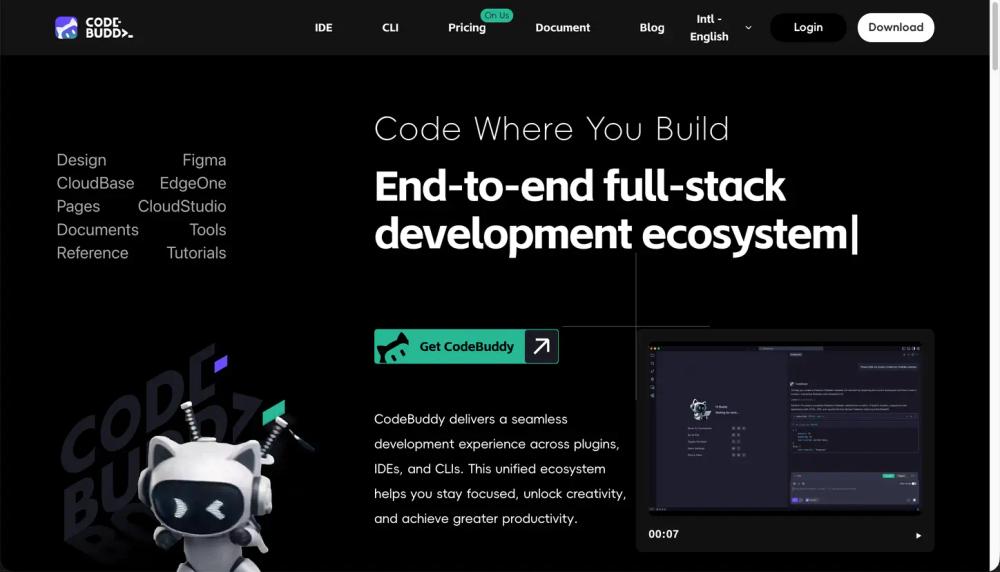
Key Features:
- AI-Powered IDE: An intelligent IDE that seamlessly integrates with your workflow, offering suggestions based on your code style and improving productivity.
- Design-to-Code: Convert Figma designs directly into maintainable code, maintaining consistency between design and development.
- Smart Document Generation: Automatically generate project requirement documents like PRDs based on inputs.
- Backend & Deployment Integration: Integrate with CloudBase, Supabase, and other services for quick deployment.
- Natural Language Component Editing: Modify UI components using natural language commands.
- Task Breakdown & Execution: Break down complex tasks into manageable steps for easy execution.
Use Cases:
- For Designers and Developers: Automatically generate code from Figma designs, ensuring consistency across teams and speeding up the development process.
- For Backend Developers: Seamless integration with backend services and deployment pipelines, allowing you to focus on building without worrying about setup.
- For Full-Stack Developers: Build, deploy, and manage the entire stack within one ecosystem, making it easy to deliver projects on time.
- For Beginners: Use the intuitive design-to-code feature and natural language processing to simplify the development workflow.
FAQ:
-
How can I view local logs?
Navigate to Help → Open Logs Folder to access the local log files and send the zip file for support. -
How to fix remote SSH connection issues?
Refer to [VSCode FAQ] for setup tips, including requiring glibc >=2.28 from version 1.99. -
How to import Figma designs into the IDE?
You need Figma permissions, logged in with your Tencent enterprise WeChat email, to import designs. -
How to install plugins when there’s a version compatibility issue?
Search for "gallery" in IDE settings, configure the URL, and restart the IDE. -
How to configure themes in the IDE?
Select "Configure Theme" from the settings to adjust color themes, file icons, and product icons.


