

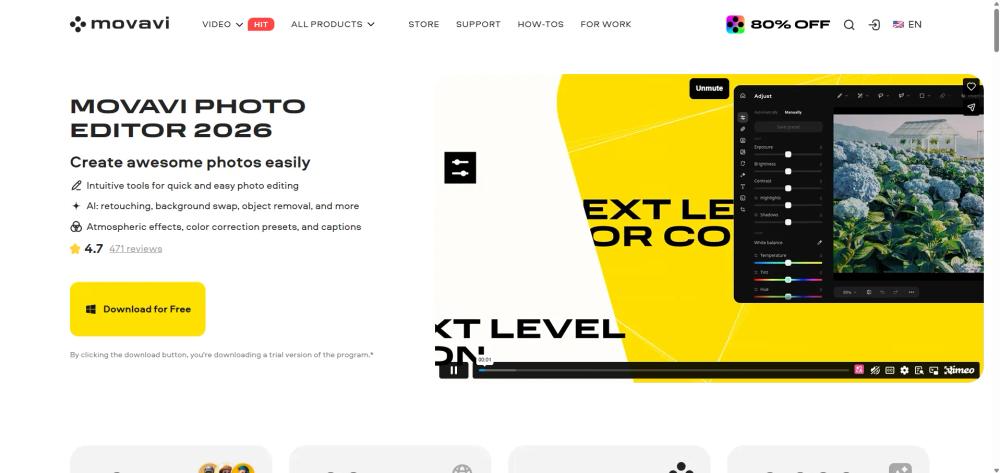
What is Movavi Photo Editor?
Movavi Photo Editor is an AI-driven image processing software designed for both beginners and enthusiasts. It simplifies complex editing tasks—like removing unwanted objects or restoring old family photos—into one-click operations, making professional-looking results accessible without a steep learning curve.
Key Features
- AI Auto-Enhancement: Automatically balances light and color to optimize image quality instantly.
- AI Object Removal: Erases unwanted people or objects with high precision, generating a natural background to fill the gap.
- AI Background Swap: Effortlessly replaces backgrounds with new environments, from cityscapes to creative textures.
- Portrait Retouching: Tools for skin smoothing, teeth whitening, and digital makeup application.
- Old Photo Restoration: Removes scratches, reduces image noise, and colorizes black-and-white photos.
- Effects & Filters: A library of over 100 filters and 34 new presets for atmospheric styling.
Use Cases
- Social Media Content: Quickly cleaning up travel photos or applying "juicy" presets to boost engagement.
- Professional Portraits: Using AI retouching to prepare headshots or profile pictures.
- E-commerce: Removing busy backgrounds to create clean, product-focused images.
- Archiving: Reviving old family albums by repairing damaged scans and adding color.
FAQ (Frequently Asked Questions)
- Is it suitable for beginners? Yes, it is marketed as an excellent choice for beginners due to its intuitive interface and automated tools.
- Can I use it for free? A free trial version is available, allowing you to save up to 10 images with a watermark.
- What are the system requirements? It requires a 64-bit Windows 10/11 or macOS, an Intel Core i5 processor or higher, and at least 6 GB of RAM.
- Are there file size limits? The software cannot guarantee correct processing for images larger than 6000x8000 pixels.


