

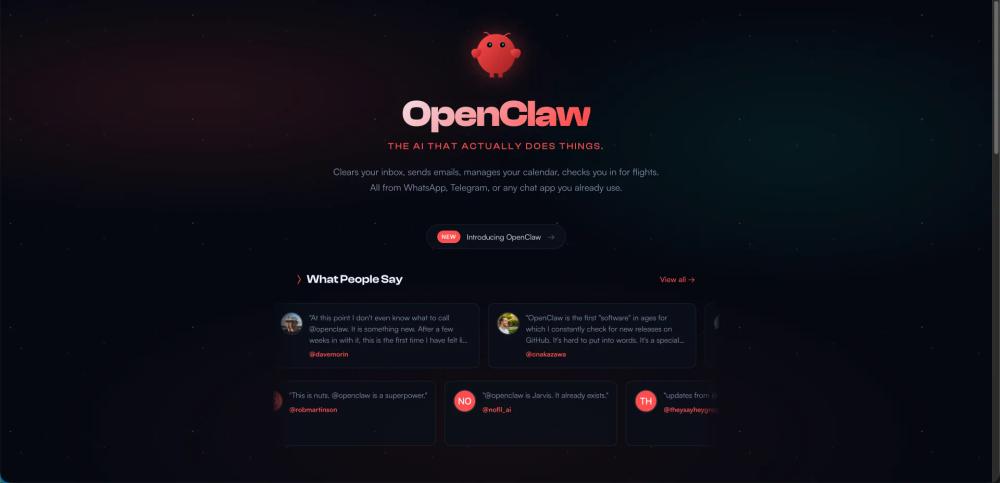
What is OpenClaw?
OpenClaw is an open-source, personal AI assistant designed to move beyond simple chat interactions and perform actual tasks autonomously. It lives on your own hardware (Mac, Windows, or Linux) and acts as a "digital employee" with access to your system, browser, and communication tools.
Key Features
- Ubiquitous Access: Interact with your AI via popular messaging apps like WhatsApp, Telegram, Discord, Slack, Signal, and iMessage.
- Persistent Memory: It remembers your preferences and context across different sessions and platforms.
- Browser Control: Capability to browse the web, fill out forms, and extract data from websites.
- Full System Access: Can read/write files and execute shell commands or scripts on your machine.
- Privacy-Centric: Your data and skills stay on your own computer rather than in a "walled garden."
- Extensible Skills: Supports community-built plugins and can even write its own skills to automate new tasks.
Use Cases
- Communication Management: Clearing inboxes, sending emails, and summarizing notifications.
- Personal Logistics: Managing calendars, checking into flights, and finding doctor appointments.
- Developer Workflows: Running tests, resolving app errors via webhooks, and opening Pull Requests on GitHub.
- Smart Home & Health: Controlling smart devices (like air purifiers) and fetching health metrics from apps like Whoop.
- Automation: Creating custom content pipelines, managing taxes, and performing background "cron jobs" or reminders.
FAQ (Inferred from Community Shoutouts & Docs)
- Is it open source? Yes, it is a hackable, open-source project.
- Where does it run? It runs locally on your Mac, Windows, or Linux machine.
- Which models does it use? It supports various models including Claude (Anthropic), GPT (OpenAI), or local models.
- How do I install it? It offers a one-liner installation script for macOS and Linux:
curl -fsSL https://openclaw.ai/install.sh | bash.


