 BananaKit
AI Pose Changer
Same Photo, New Pose
Change the pose in a photo and keep the face and outfit. Pick up to four of 1164 poses — standing, sitting, kneeling, lying, floorwork and upper body, each in five camera angles.
One photo. Four poses.
Same face, same outfit.
Upload one full-body photo and pick up to four poses. Your face, hair and clothes stay as they are; only the pose changes, and all four come back in the same light.
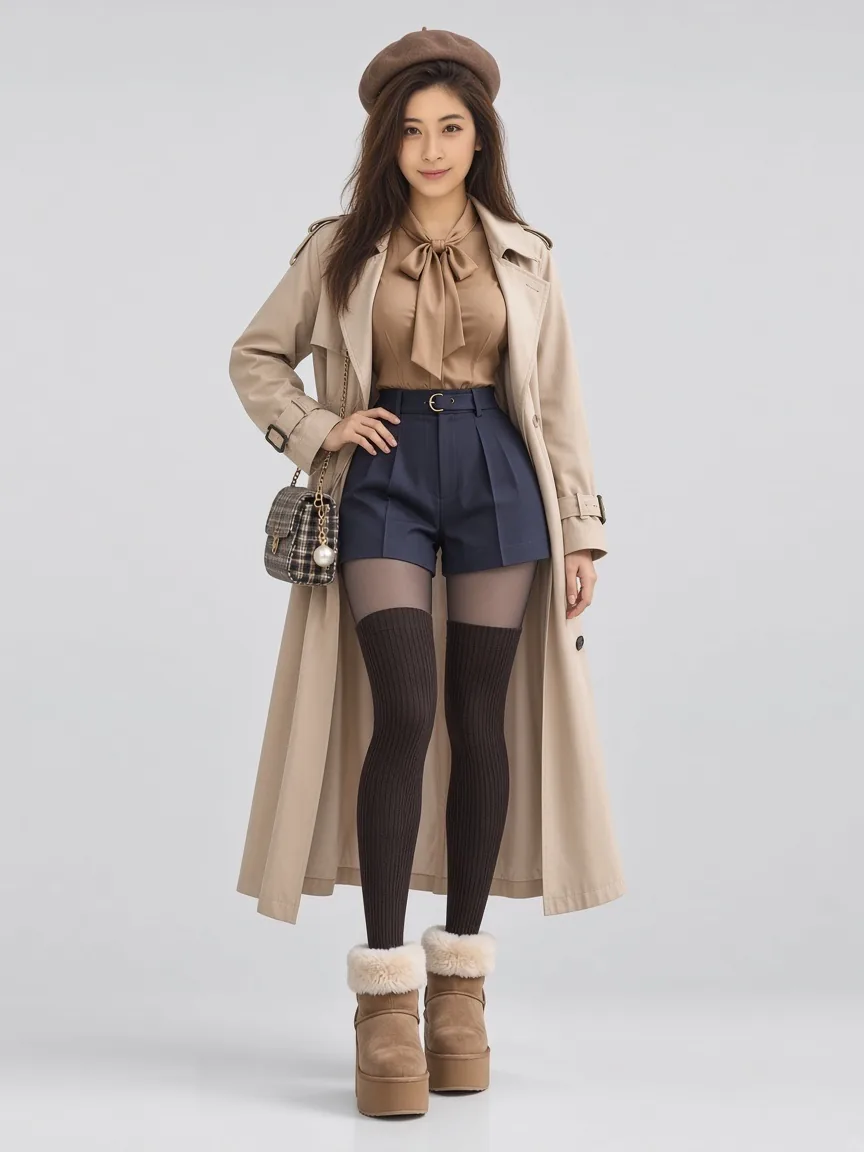
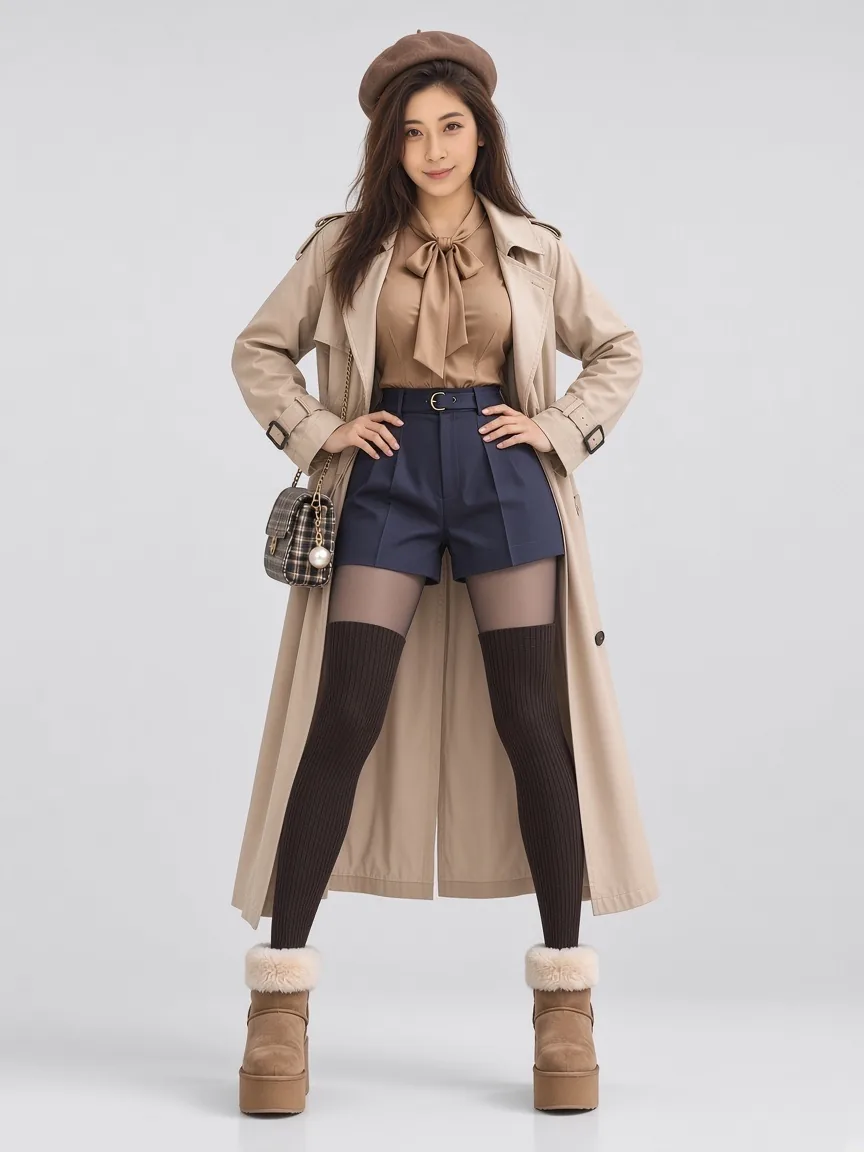
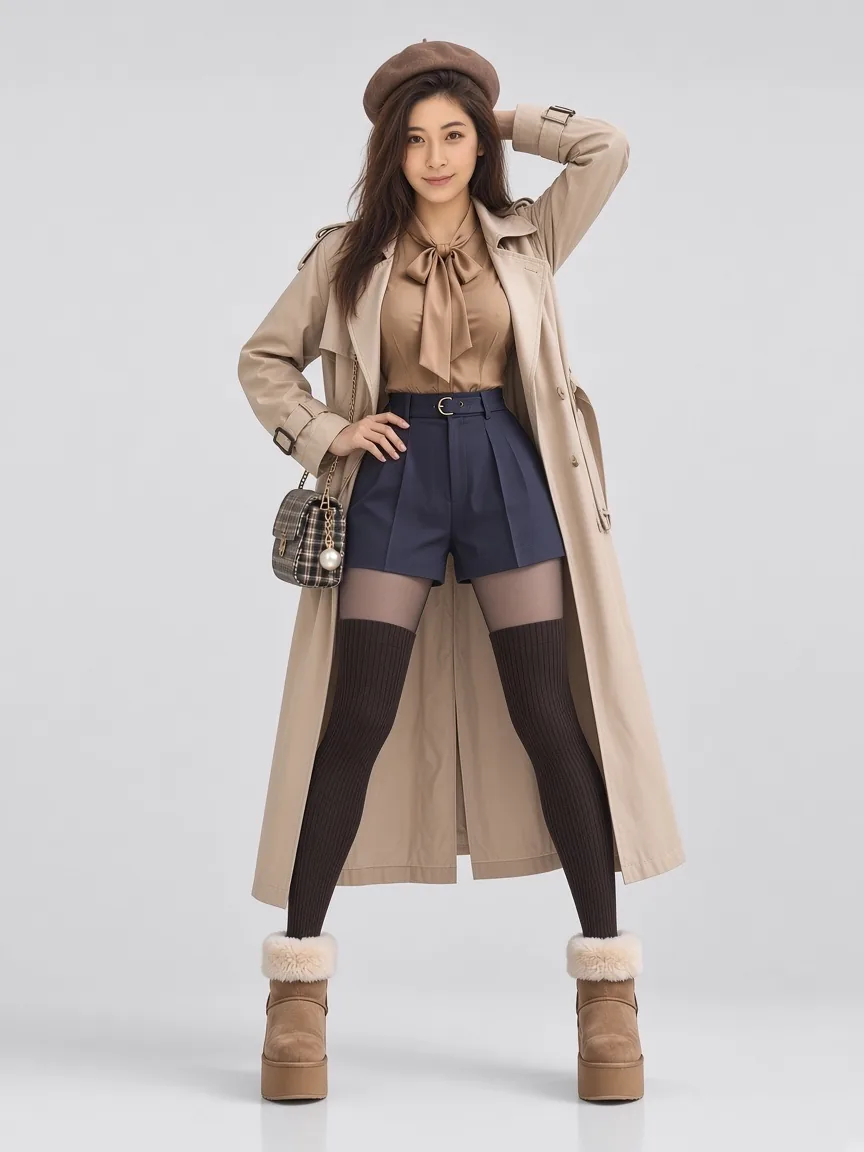
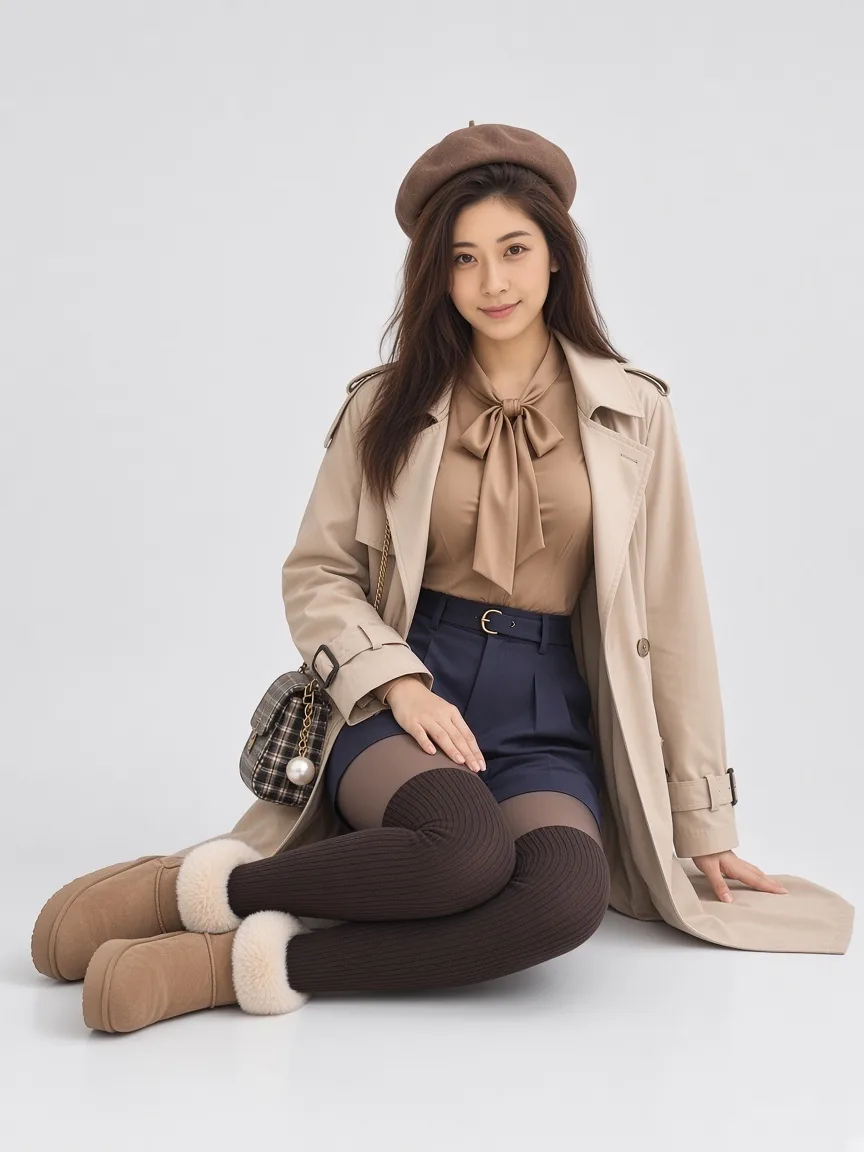
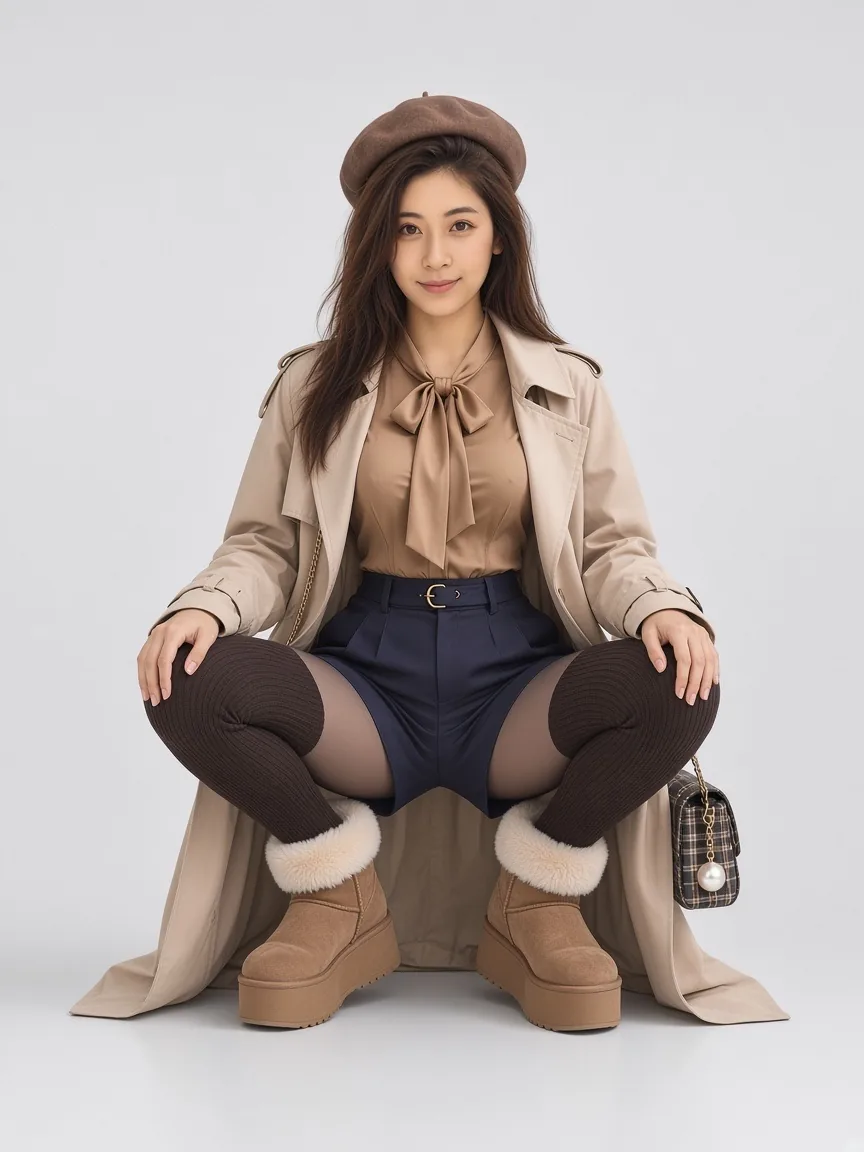
Three steps, about a minute.
Nothing to install, nothing to subscribe to before you see a result. Your first image is on us.
Upload the photo you already have
Any phone photo with your face and full body in frame. JPG, PNG or WebP, up to 10 MB.
Pick up to four poses
From 1164 poses: standing, sitting, kneeling, lying, floorwork and upper body, each drawn from five camera angles. Your outfit stays as it is; each pose is one image.
Download the images
Each image is a 3:4 portrait. Save them one by one or all at once. Free images keep a small corner mark.
1164 poses, ready to pick.
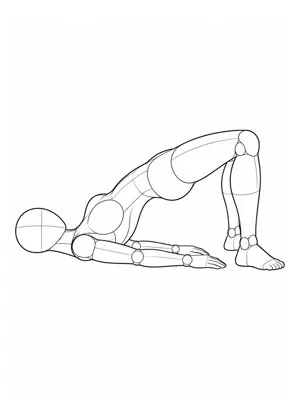
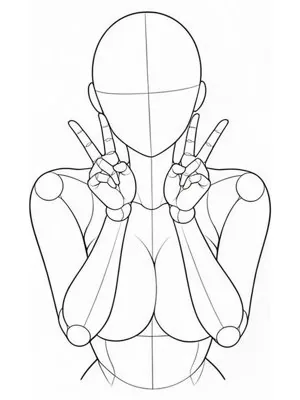
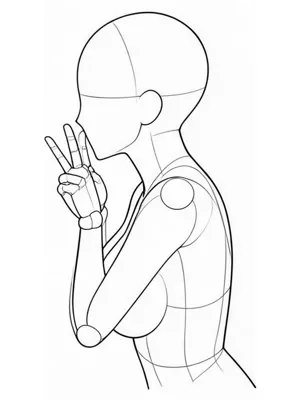
Each pose is a reference figure with a fixed skeleton, fitted to your proportions. Pick one; you don't have to describe anything.
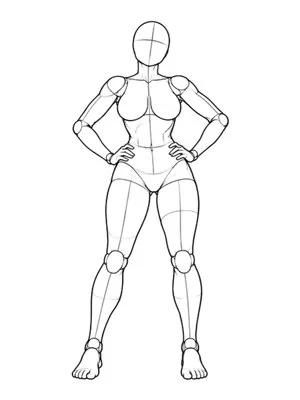
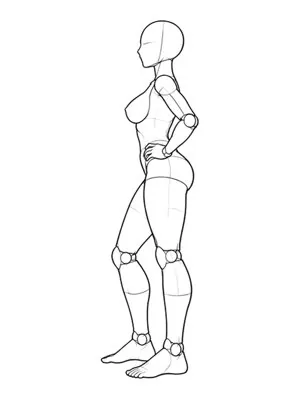
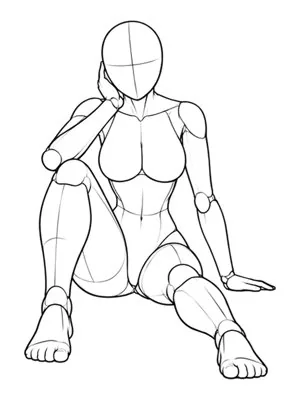
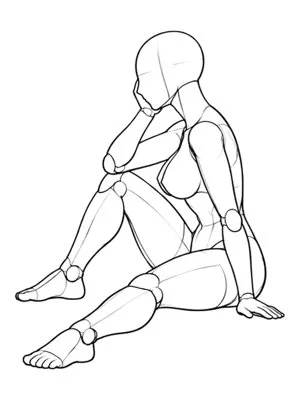
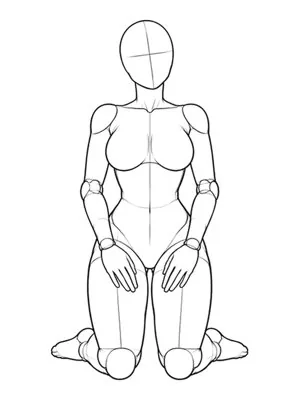
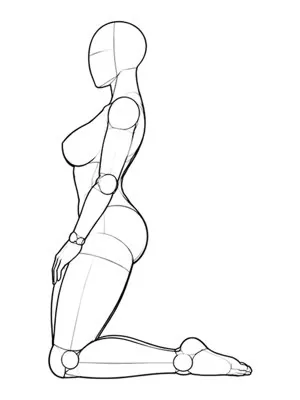
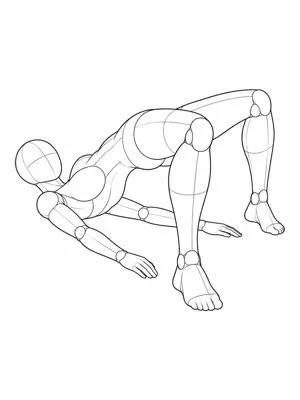
Ask for a pose in words, get a hand with six fingers.
Text-to-pose is where most AI portrait tools break. You write "leaning against a wall, relaxed" and the model makes a plausible silhouette with no idea where the elbow should actually sit. Limbs multiply, weight floats, and the feet stop touching the floor.
BananaKit doesn't generate a pose from a sentence. Each of the 1164 poses is a reference figure with a mapped skeleton; the model transfers that skeleton onto your proportions and re-lights the scene. The pose exists before generation starts, so the skeleton is never guessed. Hands and feet are still the weakest area, and we crop tight when a frame is uncertain.
The same logic fixes the second problem: consistency. A four-pose set shares a face and a light because all four are conditioned on the same source — not four independent guesses at who you are.
- Face, hair and skin tone
- The outfit you're wearing, including its drape
- One shared light across all four frames
- Not your background or original light — both are replaced with a studio setup
Pick from a library, not a blank prompt.
Most clothes changers ask you to find a garment photo or describe one, and most pose changers ask for a reference picture. Here the outfits and poses are ready to pick, and they work together.
| BananaKit | Typical clothes changer | Typical pose changer | |
|---|---|---|---|
| Choosing an outfit | Pick from 1,013 outfits, or upload your own | Find a garment photo to upload, or describe it in a prompt | Keeps the outfit you already wear |
| Choosing a pose | Pick from 1164 poses by name | Keeps the pose in your photo | Find a reference photo to upload, or describe it in a prompt |
| New outfit and new pose together | Yes: every outfit in every pose | Outfit only | Pose only |
| Images from one run | Up to 16 (4 outfits × 4 poses) | Usually one look per run | Usually one pose per run |
Free to try. Cheap to keep.
No subscription, and credits never expire. You pay per image you get; failed images are refunded automatically.
For people who post
- 1200 credits (240 images), never expire
- Up to 16 images per run
- No watermark
Here for one event
- 500 credits (100 images), never expire
- No watermark
- All clothes and poses
Three things worth knowing.
Not in the pose changer. It keeps what you're wearing and only changes the stance. To change the outfit too, use the AI clothes changer.
Four. Beyond that, consistency between frames starts to drift and the set stops looking like one sitting — which defeats the point of a set.
It shouldn't. All four frames are conditioned on the same source, so the face is stable. Extreme angles — a low-angle mid-turn, for instance — drift slightly more than a straight-on standing frame.
Same photo. Different stance.
One free image, no card. Pick a pose and see whether it still looks like you.