Example
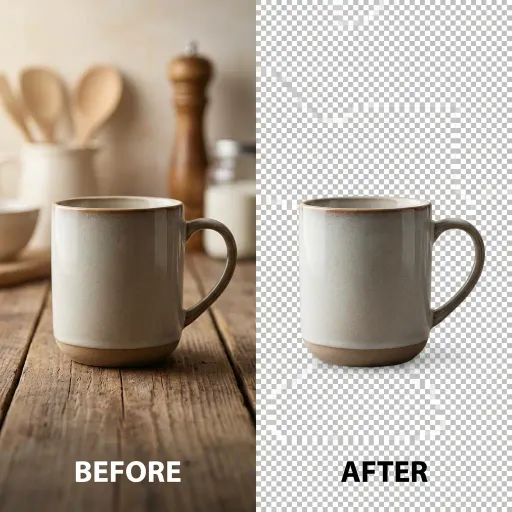
AI Background Remover
Remove image backgrounds with consistent, clean edges using AI. Upload a photo to isolate people or objects and export images ready for profiles, product listings, or design workflows.
How It Works
Choose a photo containing a person or object you want to isolate. Common formats like JPG and PNG are supported.
The system analyzes the subject and separates it from the background while keeping edges and details intact.
Receive an image with a transparent background that can be reused across digital or print contexts.
What can AI Background Remover do for you?
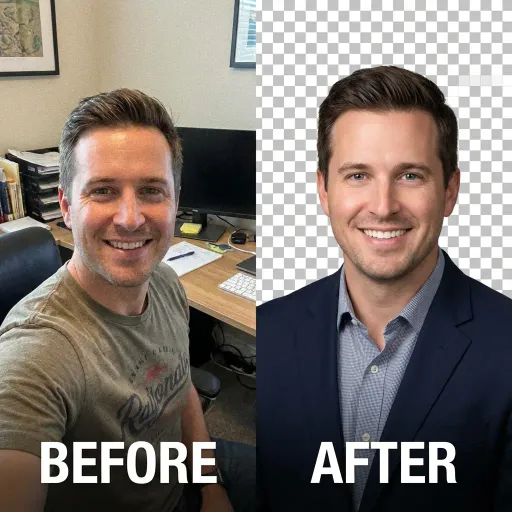
Create professional profile images
A consultant preparing a LinkedIn profile often struggles with distracting backgrounds from casual photos. By using an AI Background Remover, they can upload an existing portrait, remove the cluttered environment, and place the subject on a clean background. The result looks more focused and intentional, helping the profile appear credible and consistent across platforms without arranging a new photo shoot.
Improve product presentation
An online seller managing dozens of product photos needs visual consistency for their catalog. With an AI Background Remover, they can quickly remove varied backgrounds from product images and standardize them. This creates a cleaner storefront, helps customers focus on the product itself, and reduces the time spent on repetitive manual editing across listings.
Streamline creative workflows
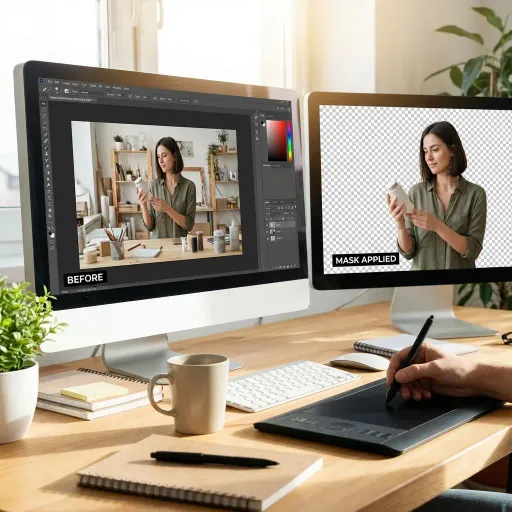
A designer working on marketing materials often needs cutout images for banners and presentations. Instead of manually tracing subjects, they can rely on an AI Background Remover to generate ready-to-use transparent images. This speeds up iteration, keeps visual quality consistent, and allows more time to focus on layout and messaging rather than tedious editing tasks.
Why Choose BananaKit?
Consistent edge quality
BananaKit focuses on preserving fine details like hair and object contours, producing results that remain usable across repeated exports.
Low-friction workflow
The tool is designed to work directly from upload to output, reducing setup steps and making it accessible without prior editing experience.
Privacy-conscious processing
Images are handled only for background removal and are not reused for unrelated training or redistribution purposes.